PointCompass
Find Your Heading. Hold Your Bearing.
PointCompass is a focused compass app for checking your direction, locking a bearing, and quickly seeing the bearing back. Coordinates, elevation, accuracy, and level stay close at hand so you can orient yourself without digging through extra screens.
See PointCompass in Use
Compass Tools at a Glance
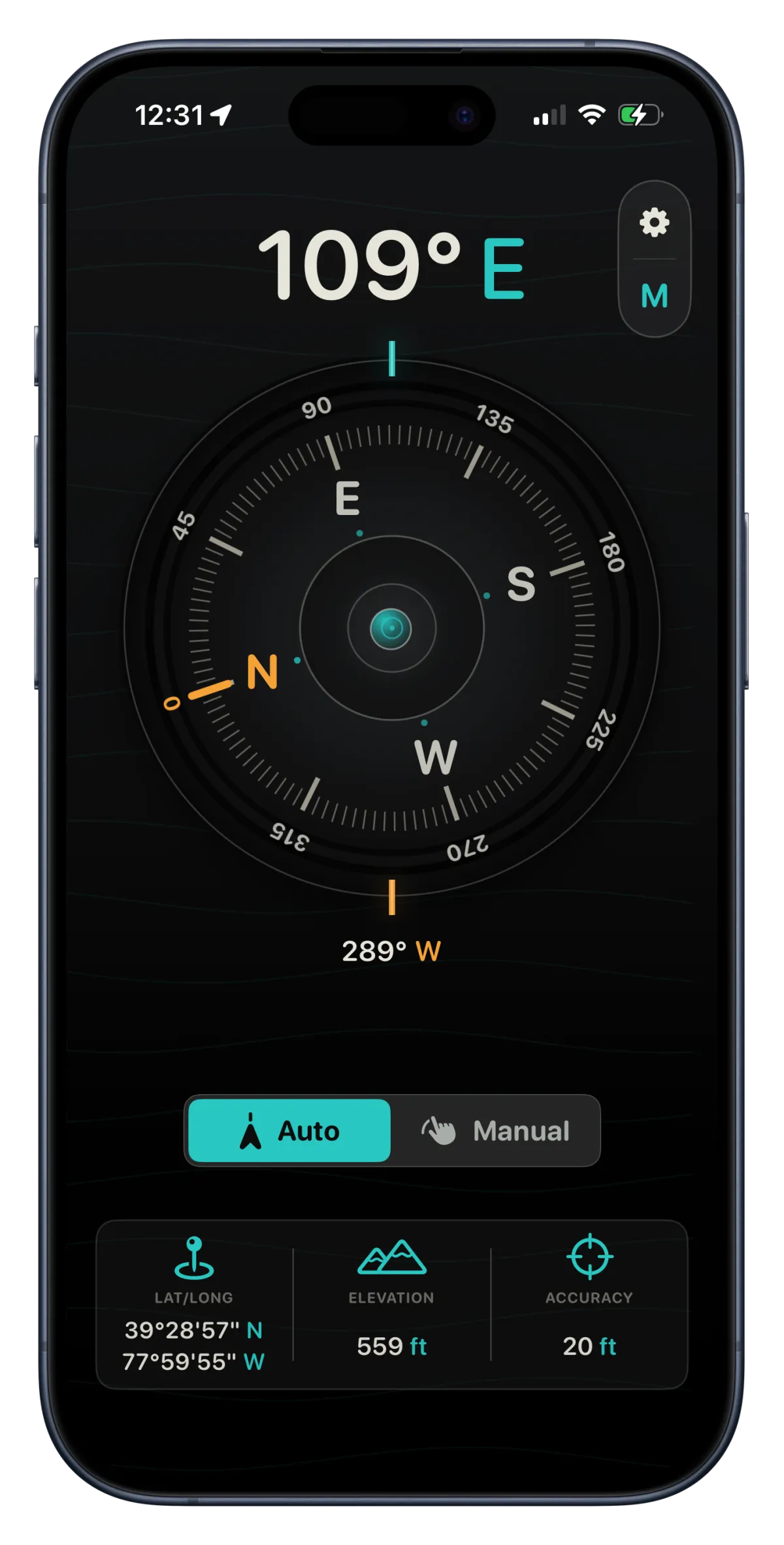
PointCompass keeps the details you need close by, from live heading and bearing lock to coordinates, elevation, accuracy, and level.
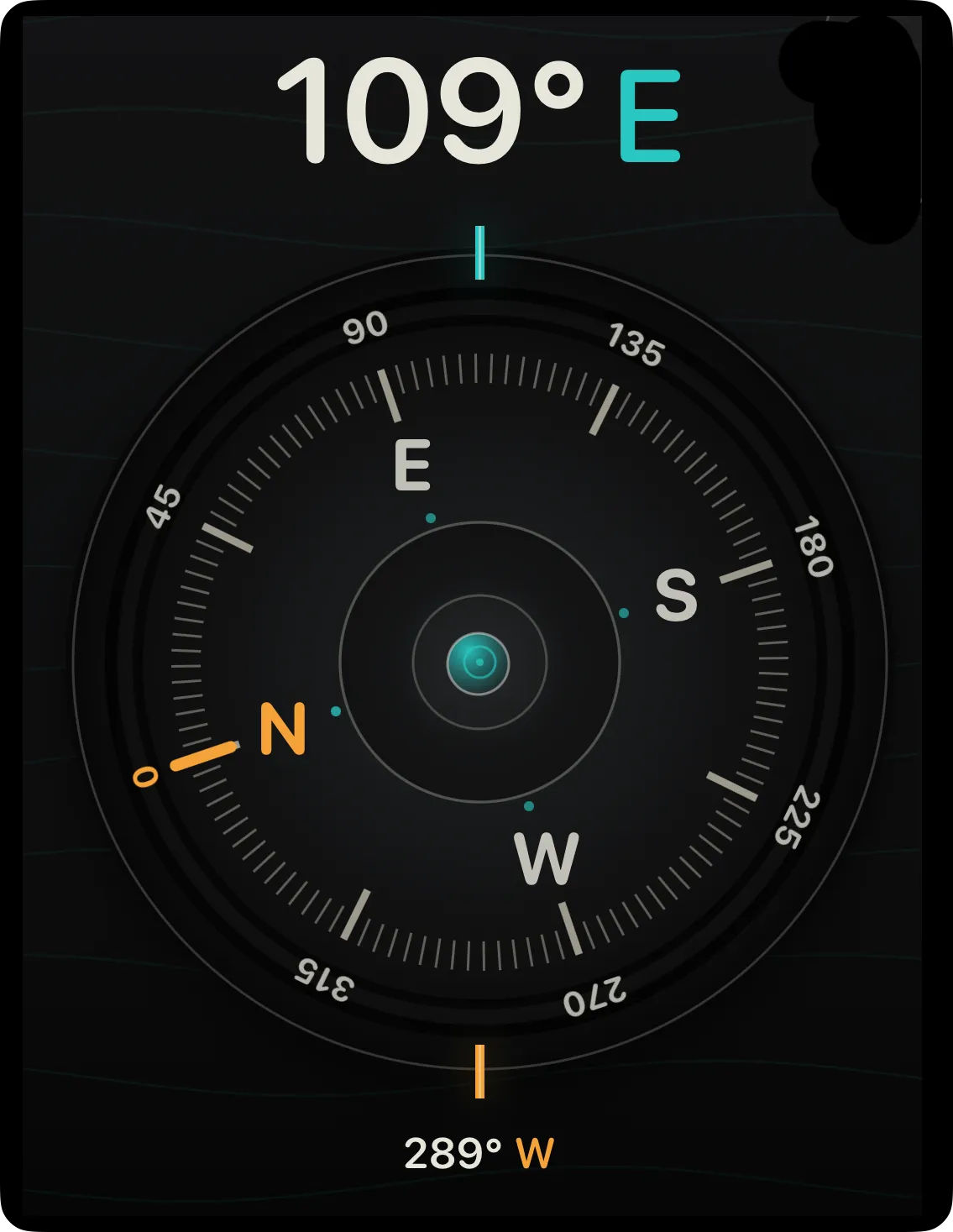
Live Heading
See your current heading update in real time as you turn.
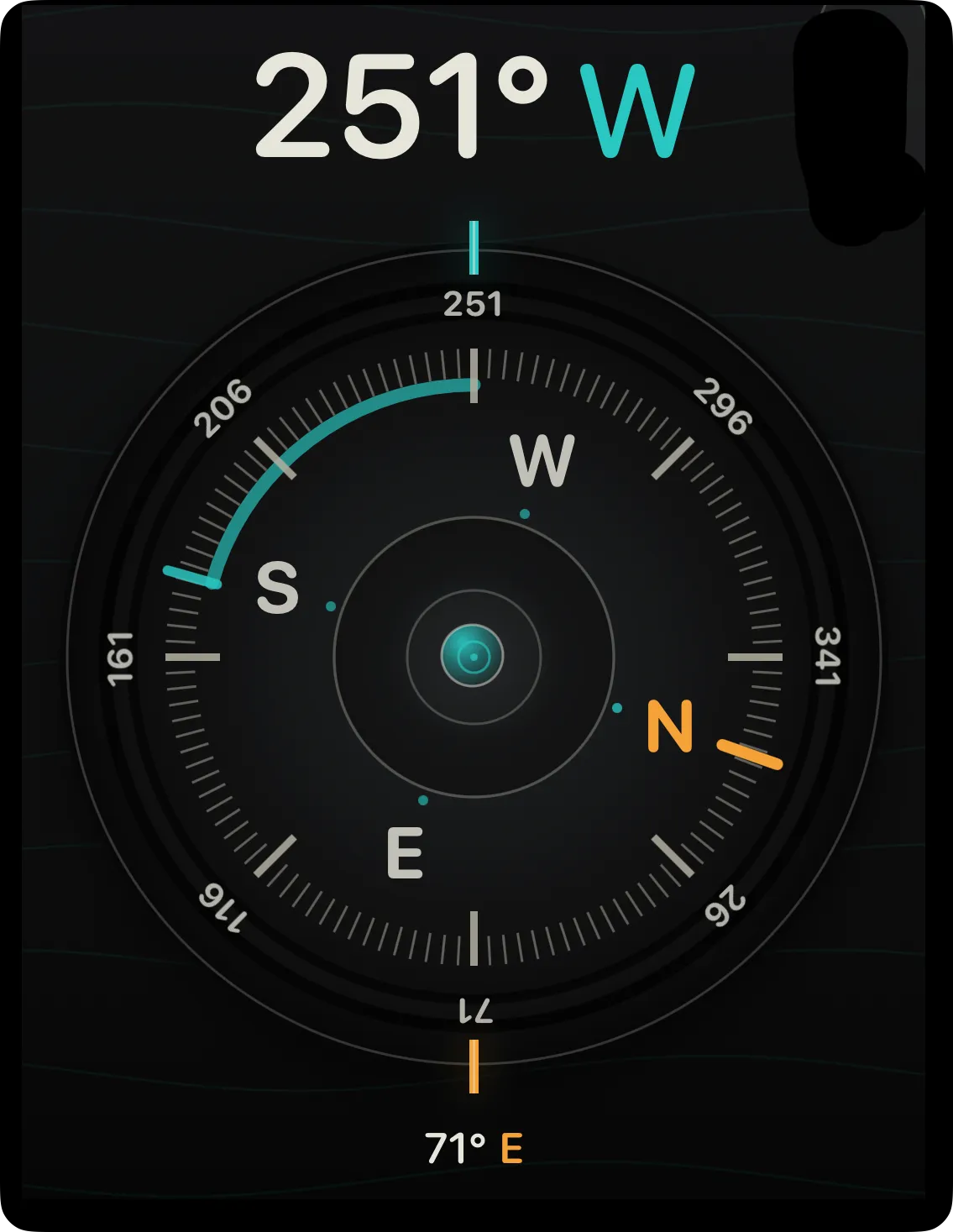
Bearing Lock
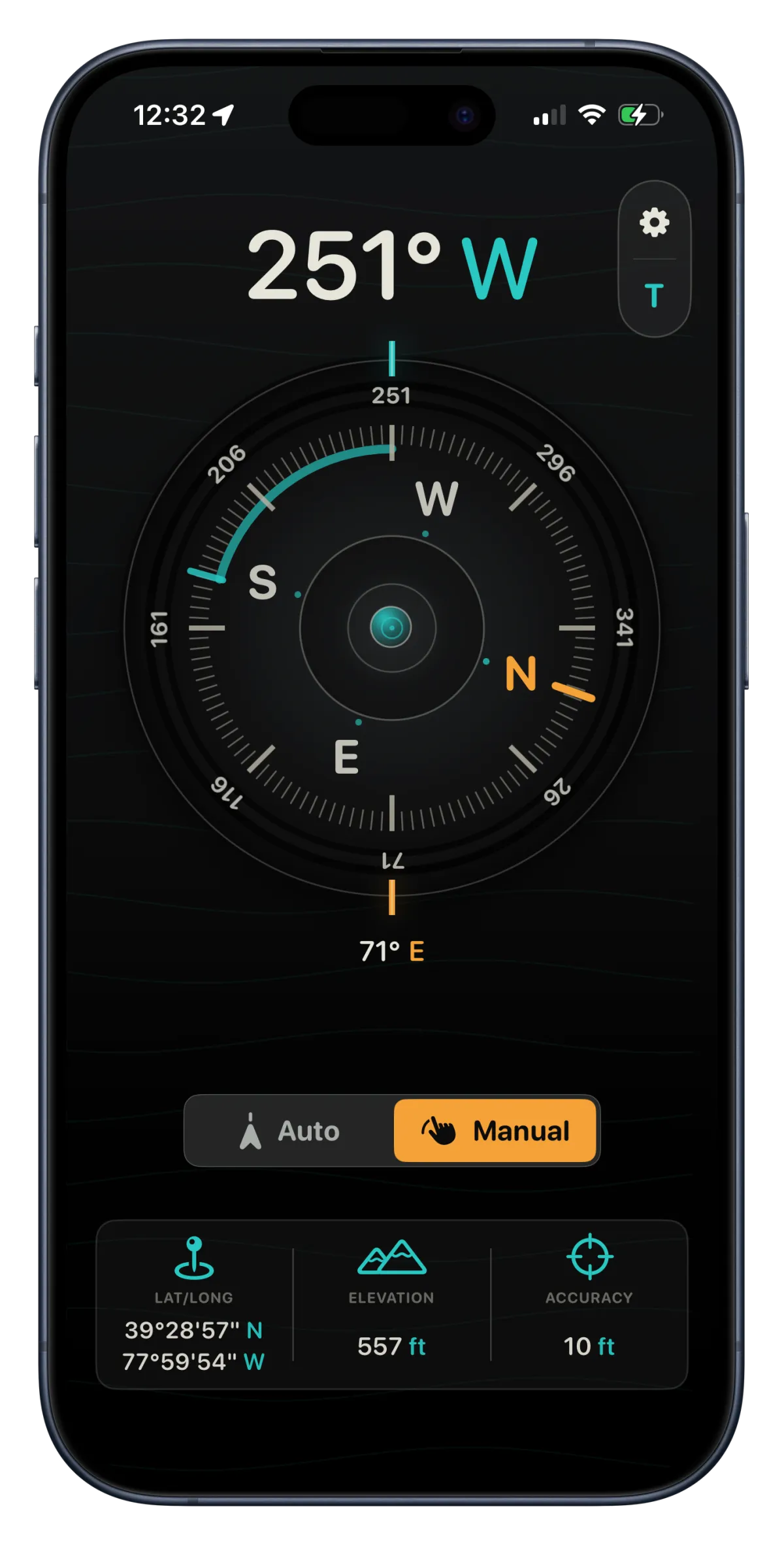
Lock a direction and compare your current heading against that bearing.
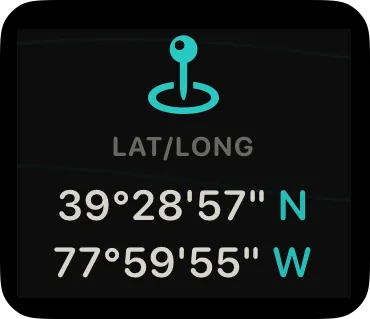
Latitude and Longitude
View your current coordinates and tap them to open the location in Maps.
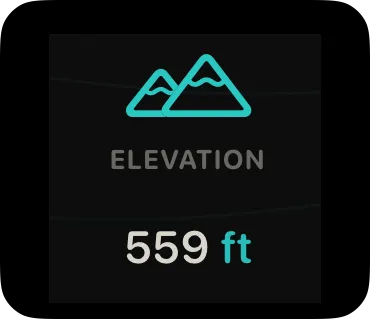
Elevation
Check your current elevation alongside your heading and coordinates.
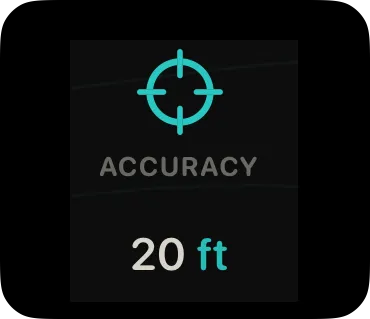
Accuracy
See current GPS accuracy so you know how much confidence to place in your location.
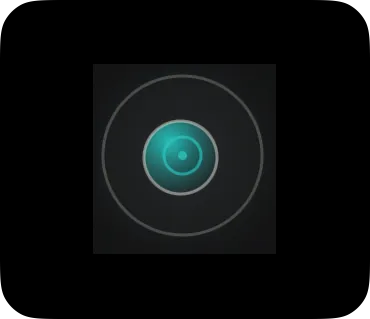
Integrated Level
Use the level indicator to check how flat or stable the device is.
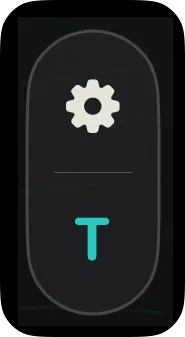
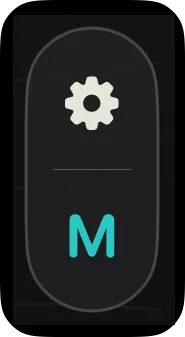
Magnetic or True North
Switch between magnetic north and true north from the compass or settings.
Customization
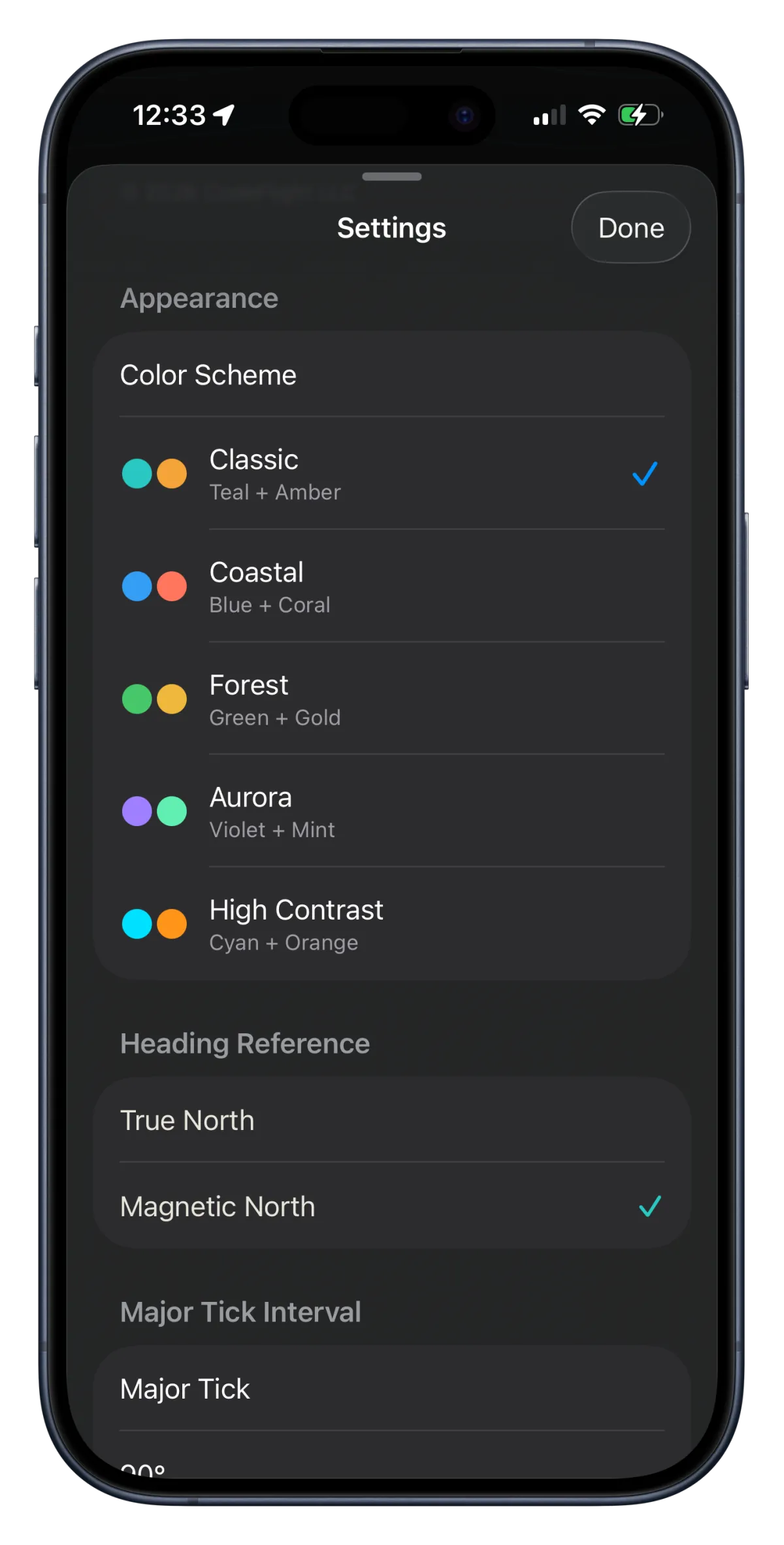
Adjust options like tick spacing, haptics, heading reference, and color scheme.
Frequently Asked Questions
Find answers to common questions.
How do I switch between true north and magnetic north?
Tap the M or T button near the settings icon to toggle between Magnetic North and True North. You can also change this in Settings under Heading Reference.
How do I lock a bearing?
Tap the center of the compass, tap Manual, or rotate the compass to set a locked bearing.
What is the reciprocal bearing?
A reciprocal bearing points in the opposite direction from your locked bearing. For example, if your bearing is 90°, the reciprocal bearing is 270°. This is represented by the bearing value at the bottom of the compass.
How do I open a location in Maps?
Tap the latitude and longitude display to open your current location in Apple Maps.
What is the level indicator for?
The level indicator helps show whether your device is being held flat and stable, which can make compass readings easier to interpret.
Why does compass accuracy change?
Compass and GPS accuracy can change based on location, device sensors, nearby metal objects, magnetic interference, and satellite signal quality.
Download PointCompass
Get a focused compass for checking heading, locking bearings, and keeping location details close at hand.

CONTACT US:
CodeFlight
484 Williamsport Pike, Suite 179
Martinsburg, WV, 25404

© 2026 | CodeFlight. All Rights Reserved